
Saving searches
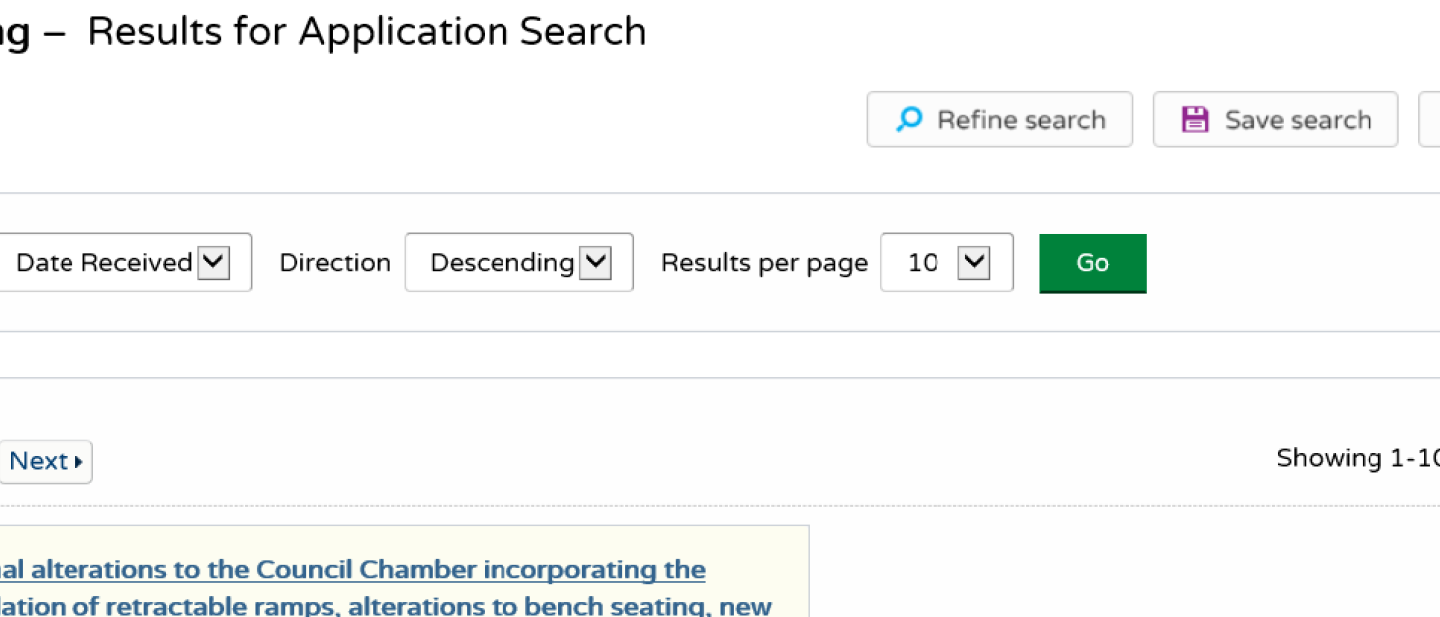
You need to be registered to save searches.
If you save a search, this will be run automatically and you will be emailed the results.
You can save any search criteria you have used to get the ‘search results’ list. Simply press the ‘save search’ button above the list of results.
You can also save searches on the map based on results.
Save map extents
This saves a search based on the map as shown on screen when you press the ‘save map extents’ button.
Save proximity search
This saves a search based on a radius of x metres from the centre of the map.