
Finding applications
There are a variety of means of finding the information you require.
Simple search
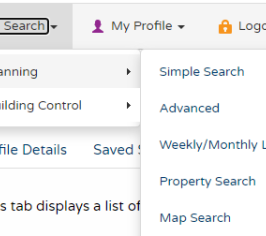
This is a great way to find information if you know the exact address or application number. You can choose to search by:
- applications, appeals or enforcements
- entering an application number, part of an address or postcode into the keyword
Sorting results
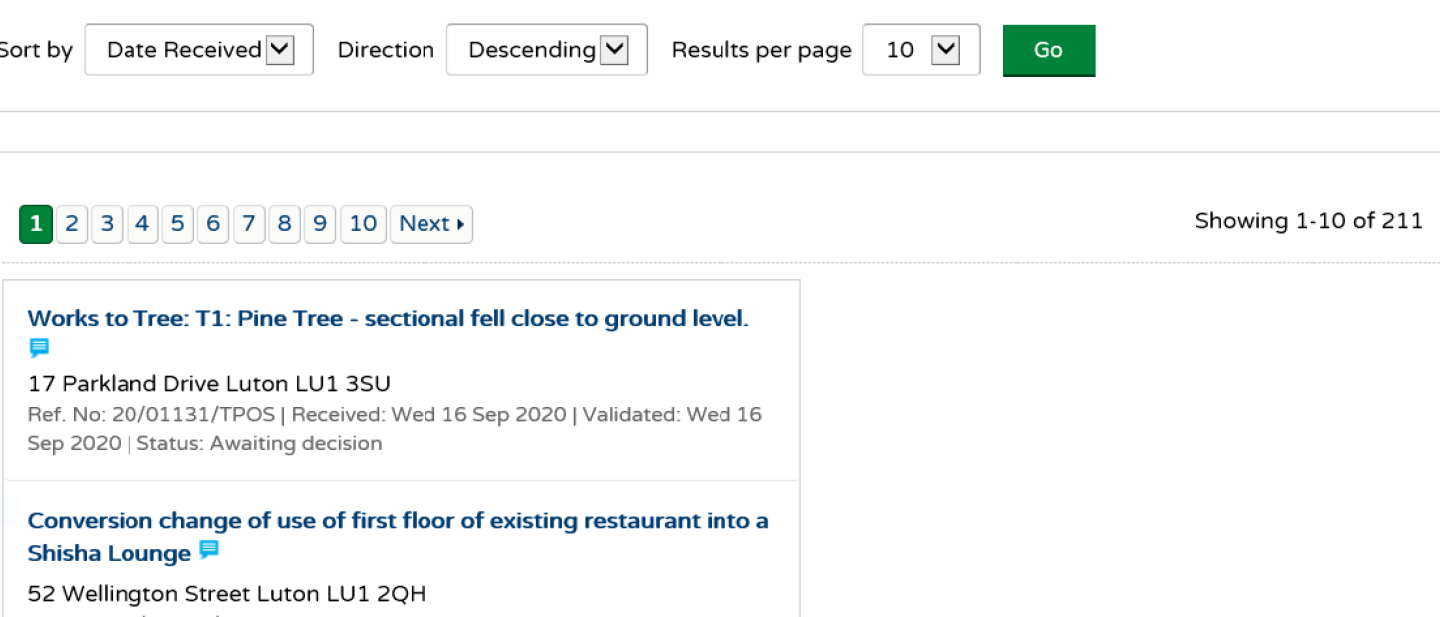
You can sort the search results to help you find applications of particular interest by selecting an option from the drop down menu. Set the amount of results per page required - the more results, the longer the response time will be - and Select Go. From the list of search results, click on an application name to view a summary of that listing.
Advanced search
This is a great way to find multiple applications that have something in common, such as:
- within a parish or ward
- within a date range
- by applicant / agent
You can search by:
- description keyword
- applicant name
- application type
- ward
- conservation area
- agent
- status
- decision
- appeal status
- appeal decision
- all allowed part of site
- appeal allowed
- appeal dismissed
- development type
- address
Weekly and monthly lists
This is a great way to search for applications when / if you know when they were validated or determined.
You can search for applications according to the week or month in which they were validated or decided.
- Click on weekly / monthly list
- Select application status from drop down menu
- Select week / month and search
All applications will be listed for your selection and can be sorted by date, description, status and more, as described above.
Property search
This is a great way to find out what is happening at a particular address. You will probably find the ‘address search’ option the quickest way to do a property search.
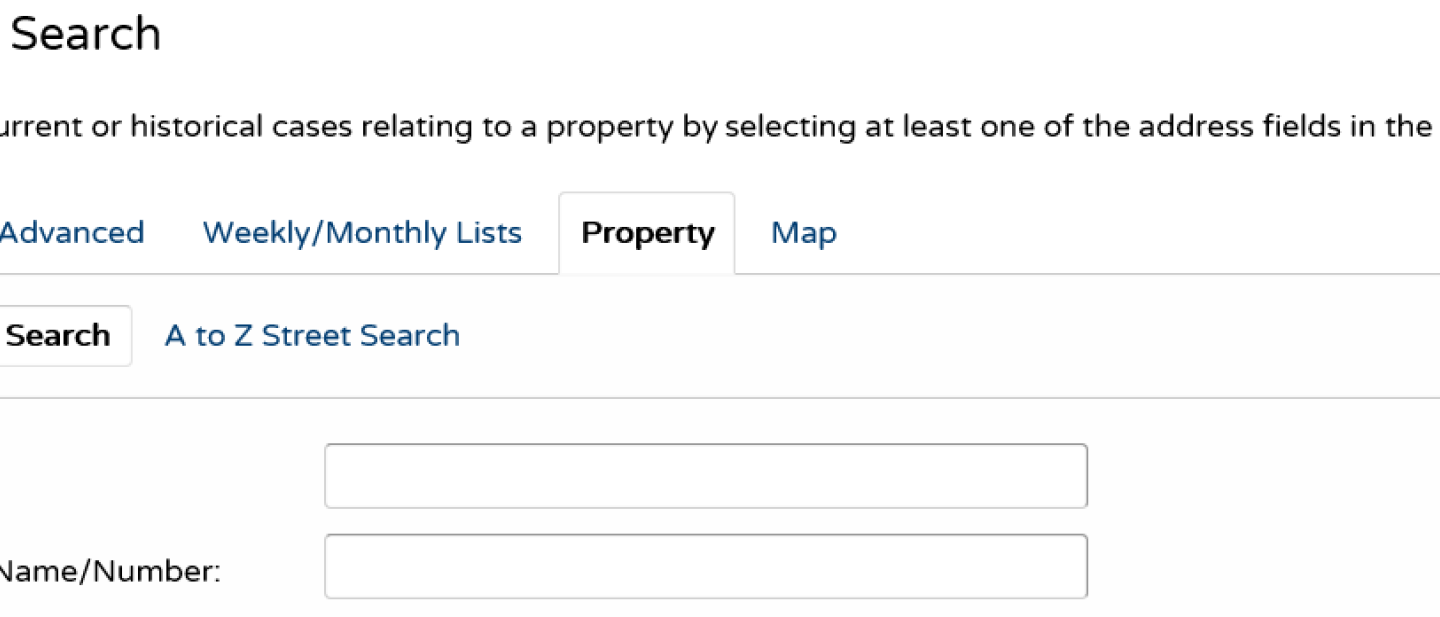
An address search can be carried out by selecting the ‘property search’ tab and then the ‘address search’ option. This will allow you to enter part of an address.
Alternatively, you can search alphabetically by street, using the A to Z street search option. An A to Z Street Search can be carried out by selecting the ‘property search’ from the drop down menu. Click on the street you’re interested in, and then on the next page select the property from that street. The results will display all addresses, even those that do not have applications associated with them.
Map search
The map search allows you to identify applications using an interactive map (this feature is only recommended for broadband users). It is usually faster and more straightforward to find applications using one of the other search methods.
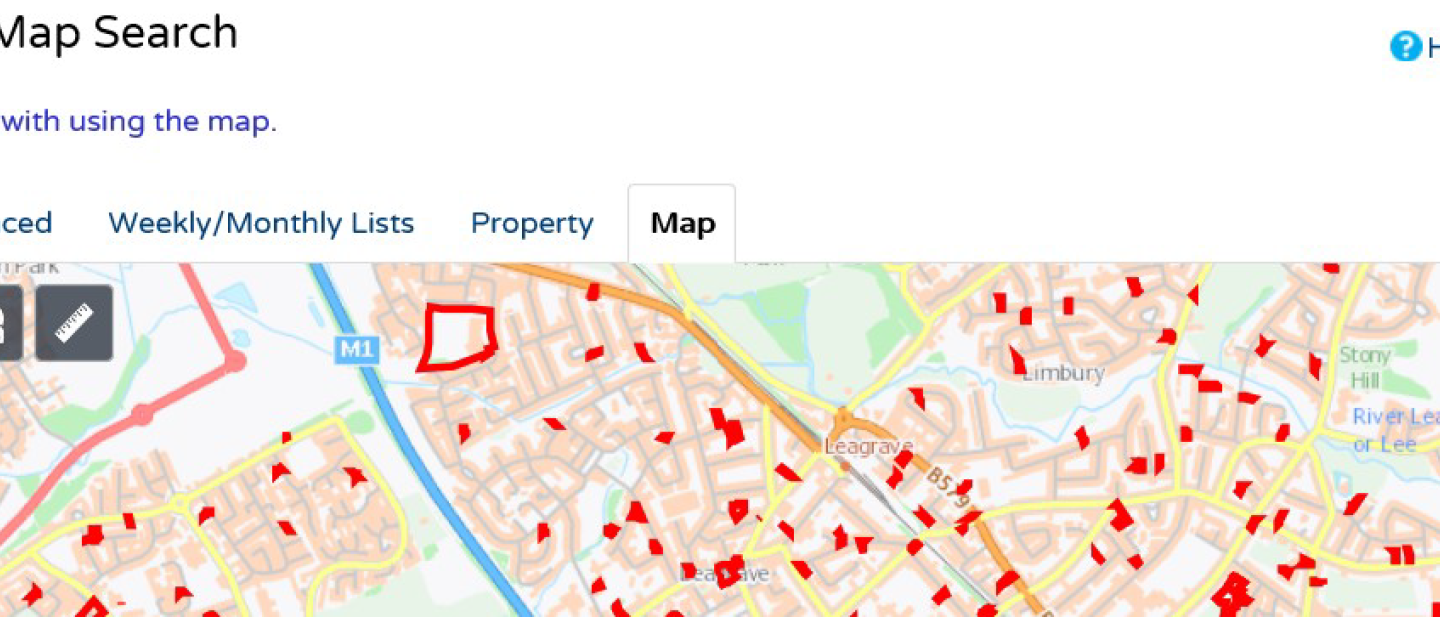
- Use the icons in the top left corner of the map to filter what results you see.
- You can zoom in or out and move the slider bar to locate the desired addresses.
- Click on a red border to show a summary of, and link to, a particular application.
Application details
Once you’ve selected an application from your list of search results, you get lots of information about it. These are found in the various tabs:
- details: such as reference, application date, address, proposal, status and decision
- comments: you can submit comments and view those submitted by others
- constraints: constraint type and status
- related cases
- map
- documents: including plans, application form, conditions and more